
If you know me, you know I’ve always dabbled in computers. I love building stuff, and computers have always been an incredible tool for helping me realizing that passion. All the while I’ve seen the good and bad that it’s wrought on the world. I don’t love the end result. I’m rarely the person to tell you technology will fix all your problems. I still think more people need to spend time in our forests and lakes. I think more people need to meditate on the nature of human existence and take lots of psychadelics.
But technology is a tool. And a new tool has come along that is really important. AI, LLMs, Chat GPT — the words aren’t important — you know what they are. Recently there have been some breakthroughs that change the rules of the game. I do not know where this is going. This isn’t some warning of coming apocalypse or impending nirvana. I just know tools create leverage, and this one is coming like nothing else before.
Here’s something that feels like a moral imperative for me to communicate: the time is now to learn how to use these tools. If you do any kind of knowledge work — research, spreadsheets, anything done on a computer — you need to learn to use these tools today. These tools offer real benefit, they solve real problems. They are also a drug for the mind. They make weak men feel invincible. It makes them believe they are superhuman with what they can accomplish. You need to feel this too. You need to understand how it might be used against you. You need to understand the shape of the future.
Remember: The world is big! You can learn how to weld, wire up homes, be a good mother, run an excavator, or be a good therapist — there are lots of places that AI isn’t going to have as much of an impact right now. What I want to drive home is that right now powerful, greedy people will be using these tools in all lines of knowledge work. Fight fire with fire. Learn these tools and wrap your head around them.
I’ve created this handbook to help you learn how to use these tools. This isn’t about automating your job or any specific end result. I want you to wrap your head around this new technology and learn how to use it for yourself. Learn how to learn.
Getting Started
This will take about an hour or two of your time to get set up and run through my example projects. You will need a computer, but it doesn’t need to be a new one. The complex calculating part all happens in datacenters.
- Do this on your computer. It doesn’t matter if it’s Mac or Windows. Do it on something with Google Chrome (specifically) and a filesystem.
- Download the Claude Desktop Application.
- Subscribe to the Claude Pro plan ($20/mo)
Spend all of your time in Claude Cowork.
For the purposes of learning these tools, always use the newest models and highest levels of “thinking”. Right now that means choose Opus 4.6 and click the checkbox for Extended thinking.
Basic Concepts
There’s lots of words for these agentic tools. Don’t get too wrapped up in the different options. I am using Anthropic (Claude) for this handbook. OpenAI (ChatGPT), Microsoft, and Google all have equivalent tools. There are even options available that don’t require any subscriptions or internet connections. For Claude, “Cowork” and “Code” are the names for the agentic tools. I want you to learn how to use these tools, not get wrapped up in which one is best.
You Have a Brain
These tools offer up shortcuts for deeper thought. They aren’t always right. Resist the temptation to look at these tools as a magical robot that can replace a human. Instead ask yourself: how can I use this tool to make me a smarter, better, more caring human?
Don’t ask it to solve algebra for you. Use it to help you learn algebra. Make the computer do drudgery while you become a better person.
The Tool Uses Your Computer
This is one of the key breakthroughs. These new tools use your computer. They can open applications and use them. They can use your browser and Facebook account. They can create files and run programs just like you.
Keep that in mind, eh? When it asks you for permission to do something, think about it for a moment. I probably wouldn’t give it access to your email until you understand it.
The Tool Knows How to Use Itself
If at any time you are confused at what just happened or don’t know how to proceed, ask the tool. You can say things like Why did you do that? and it will explain itself back to you.
It Can Understand Anything
Most people are familiar with using a keyboard to chat with ChatGPT. But these tools can also read images. You can drag and drop a PDF or an Excel spreadsheet or record a sound with your microphone and have it listen. It can interpret just about anything. In any language.
Okay. That’s about it. Here are some sample projects to get you started.
Calculate Your Taxes
If you’re reading this and you live in the United States, it’s likely you have to pay estimated taxes (what can I say, I have a lot of talented friends who hate payroll jobs). It’s a pain to calculate with all kinds of byzantine rules that don’t make sense.
- Open up Claude Cowork
- Click “Work in a Folder” and create a new folder on your desktop.
- Make sure you have Opus 4.6 selected with Extended thinking enabled.
- It will ask you permission to edit files in this folder, give it access (make sure this folder is empty!)
Then, type in a prompt like this one and hit go:
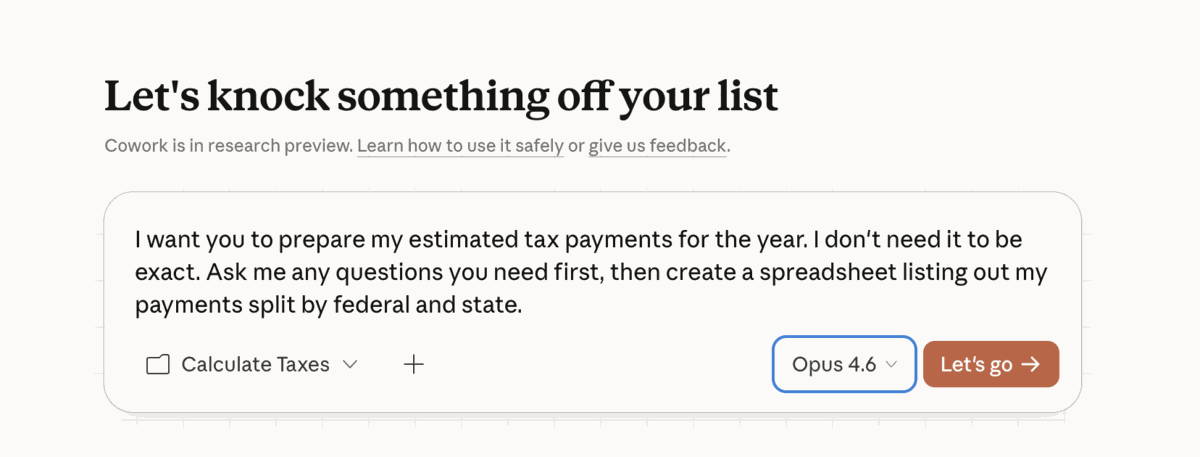
Some things to watch for:
- Notice how it asks you questions to fill in what it doesn’t know.
- Watch how it shows itself working and what it’s doing. It probably wrote some python scripts. You don’t even know python. But now you’ve used it.
Open that folder on your desktop, there are files there. Now you have a spreadsheet that probably describes things better than your CPA ever did. But it’s not very specific. We asked it to be not specific. Let’s refine the work. Don’t always rely on the first pass.
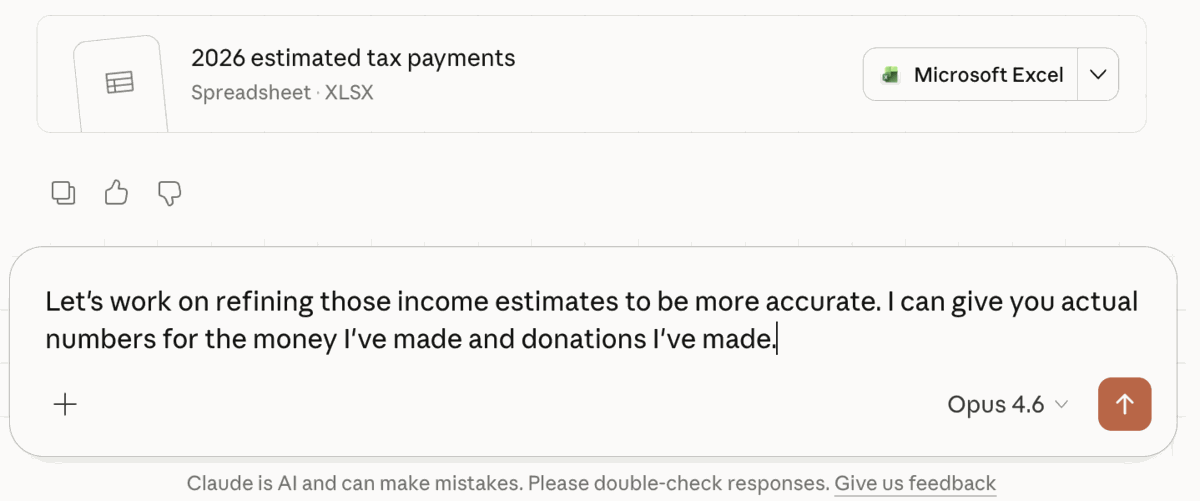
Wild, right? You can revisit these sessions any time in the future and give it more information.
One more bonus task. Let’s get something useful out of this we can send along to our partner.
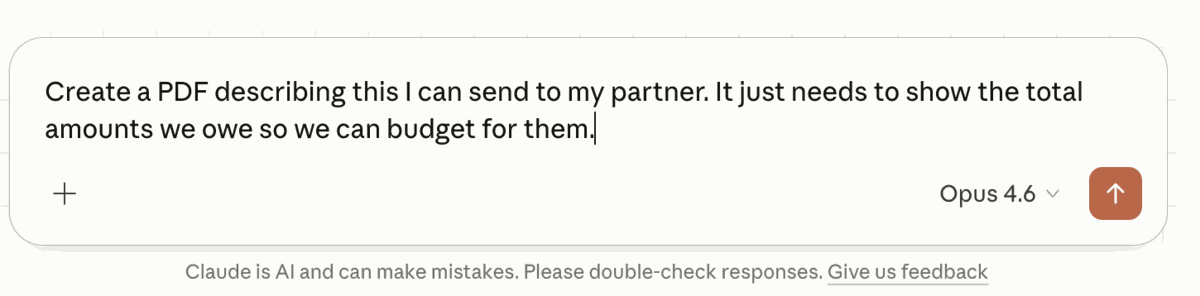
Okay, remember again: none of this is perfect. But I want you to think about how this tool just took a very complicated system (tax law) and helped you conquer a very real need you have. And maybe you shouldn’t fire your CPA, but you might be able to know how much to save for taxes without waiting for them to respond during a busy tax season.
Build a Webpage
Next, we’re going to learn more about how this tool can be a little research assistant. I love wildflowers. It’s why I changed my name to Aster, after all. Again, we’ll start with the same setup.
- Open up Claude Cowork
- Click “Work in a Folder” and create a new folder on your desktop.
- Make sure you have Opus 4.6 selected with Extended thinking enabled.
- It will ask you permission to edit files in this folder, give it access (make sure this folder is empty!)
This time we are going to have a little fun. Taxes suck anyway, we need something that brings us joy.
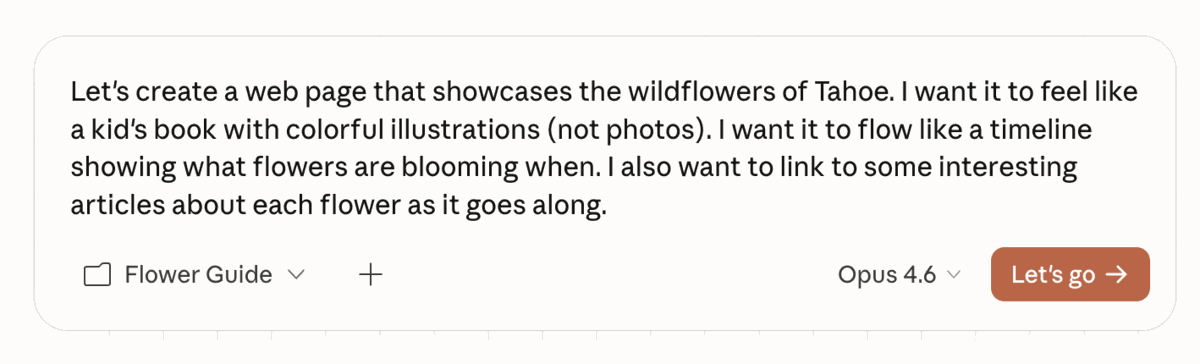
Some things to watch for:
- It might ask you some questions about running a Chrome plugin. Install the plugin and do what it says. This allows the tool to use your browser.
- It’s going to make a TODO list and check things off as it goes along
- It’s going to be searching the web, just like you would use Google
Now you have a webpage! But it’s just on your computer. Let’s get it on the internet.
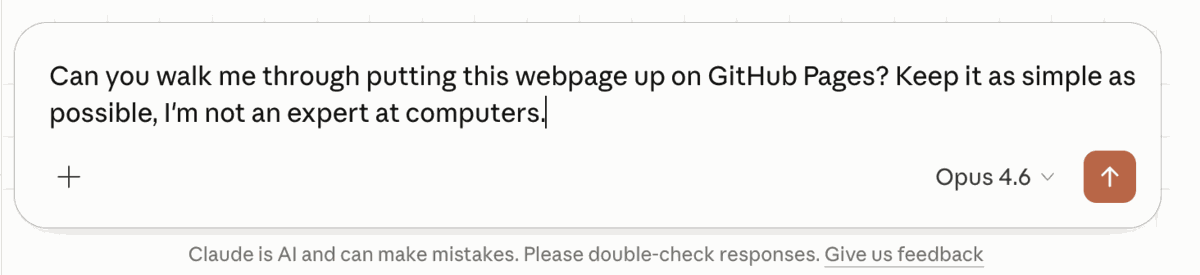
If you have any problems during this, ask it questions. Give it a screenshot. Did you just build your first webpage just by describing something in your head? Maybe!
Build a Trebuchet
You know the drill now.
- Open up Claude Cowork
- Click “Work in a Folder” and create a new folder on your desktop.
- Make sure you have Opus 4.6 selected with Extended thinking enabled.
Let’s be real: we all want to go out in the mountains and build a trebuchet that can huck a piece of granite across a meadow. No? Just me? It’s a good exercise in getting this tool to help you plan a big project.
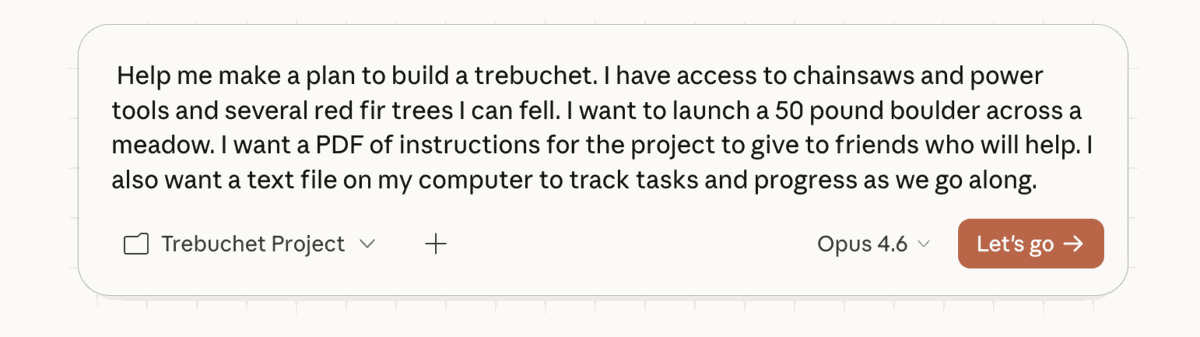
Pay attention:
- The more context you give the tool (like what you have in your garage), the better it works
- You can be the bridge between the computer and what exists in the real world. Give it photos of your toolchest or describe what’s in the back of your truck.
- Tell the tool what you want to get back — ask fo a PDF, webpage, image, or spreadsheet
This PDF it created? It kind of sucks. But it’s also kind of amazing? If you want to build a trebuchet you probably should find an old timer who can help you out. This tool is happy to give you very detailed, poorly thought out plans. But look at how this tool thought about the task and broke it down to steps. Are you struggling with how to approach a big problem in life? Could this help you?
The more context you feed the tool, the better answers it gives.
Go Forth and Do Good
Now I want you to play with it more on your own. Ask it questions about something you’ve been curious about. Create some silly webpages to share with friends. Make an iPhone app (I’m not kidding). You might just surprise yourself what this thing can do, and how far you can go with it. You might find yourself able to do things with computers you always thought were reserved for the tech bros who understood that weird maze of riddles known as programming.
And keep in mind that we still live in a world full of human meatbags. Try and do good. I’m here if you have questions. Let’s grab a beer and talk about it.